Skip to content

Deploy devices with zero touch

Give each team member the perfect first day. Employees unbox their device, power it on, and get to work. Iru handles everything in between.

Liftoff-1

Secure endpoints from first login

OnePlatform

Every device in one platform

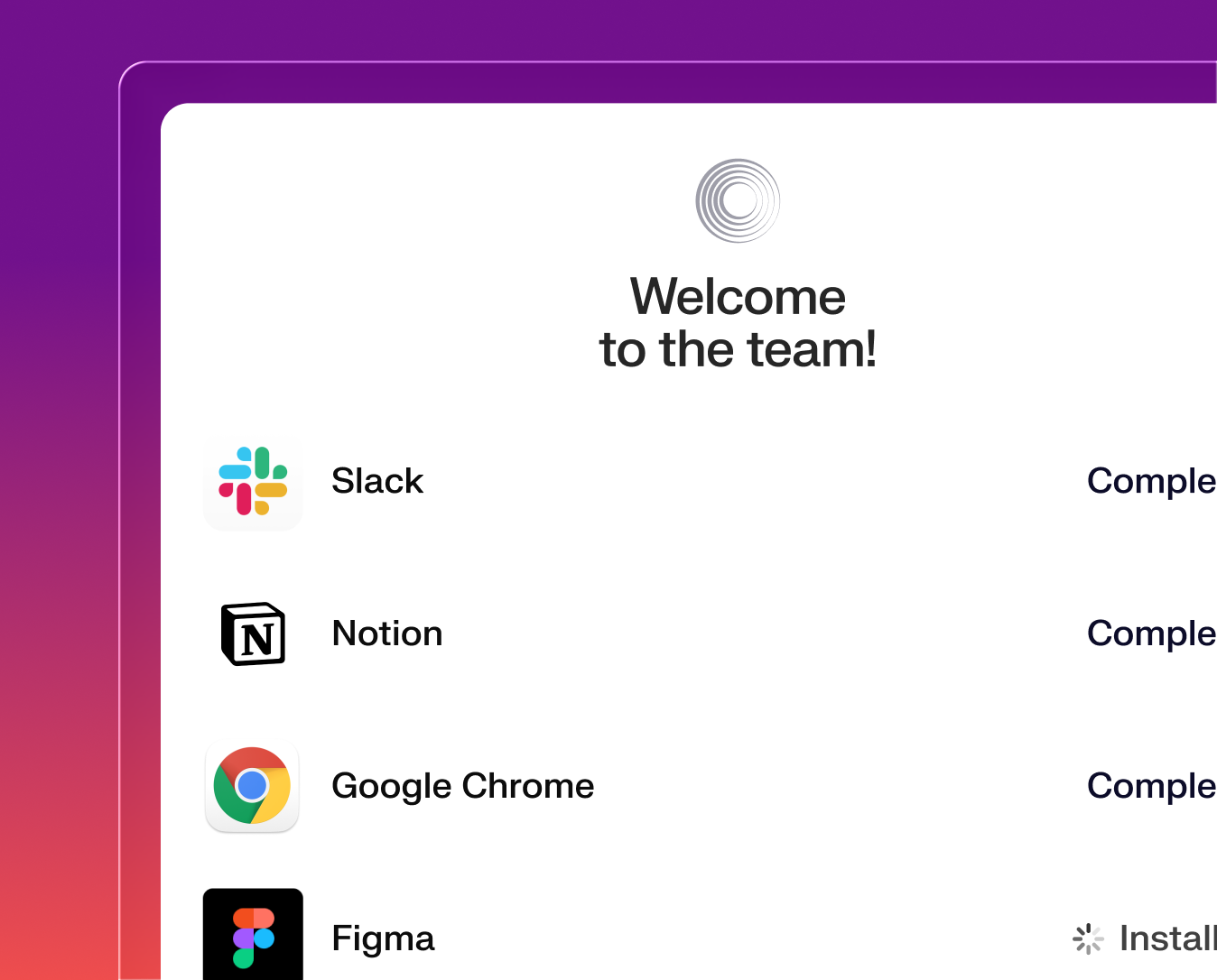
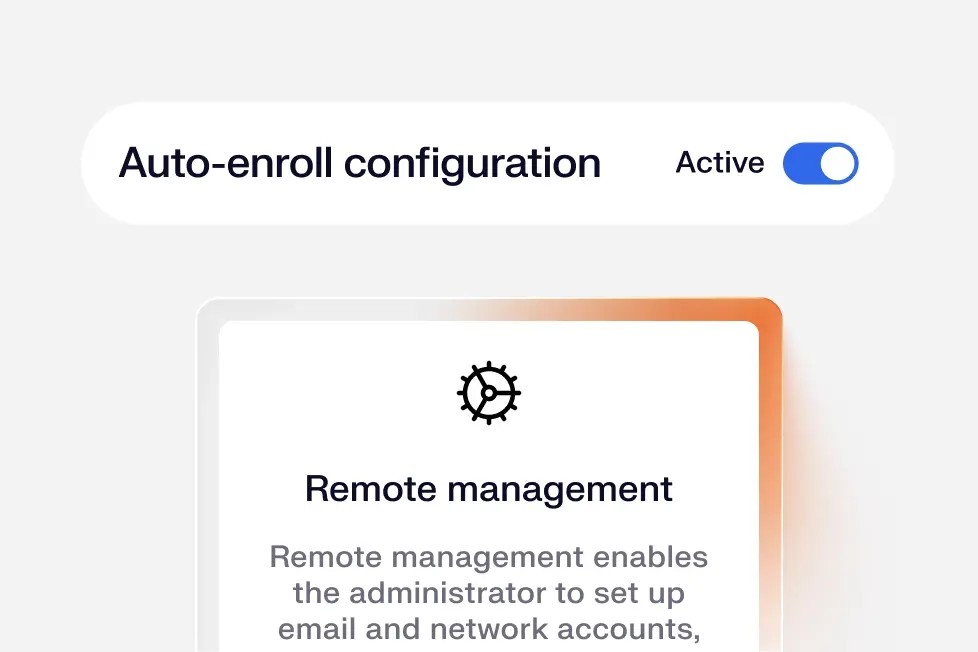
Deploy Apple and Windows devices with zero touch. Apps and settings are applied instantly without IT touching the device.
Security

Secure from the moment of enrollment

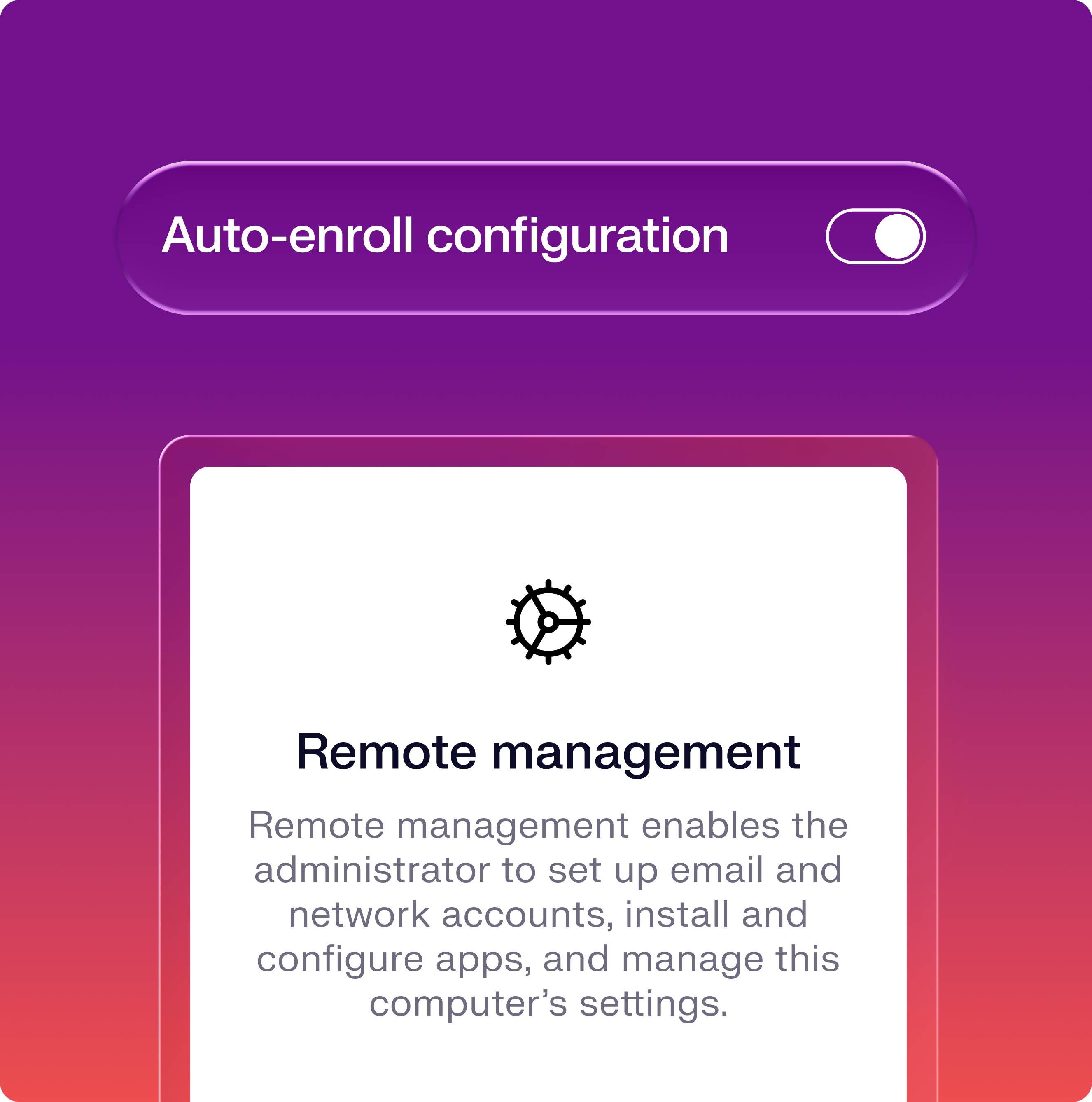
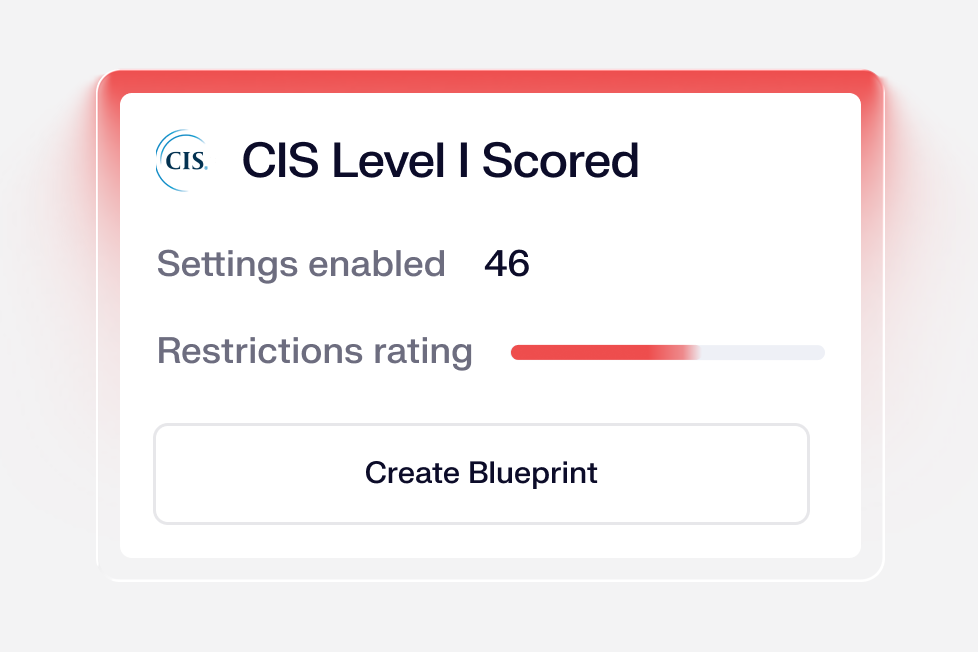
Encrypt drives, enforce firewalls, and block data leakage. All through native management frameworks with additional power from the endpoint agent.
Onboarding

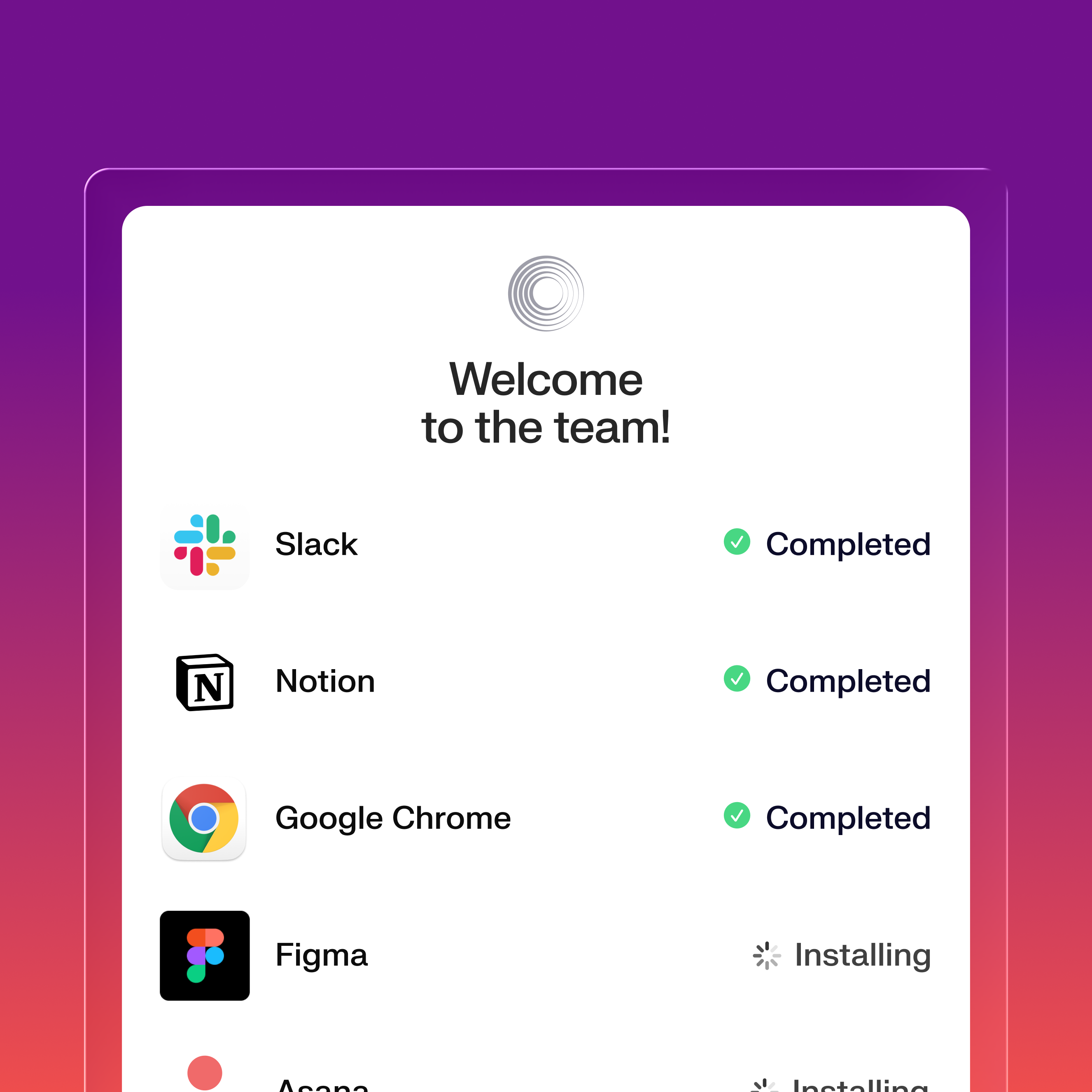
A better onboarding experience

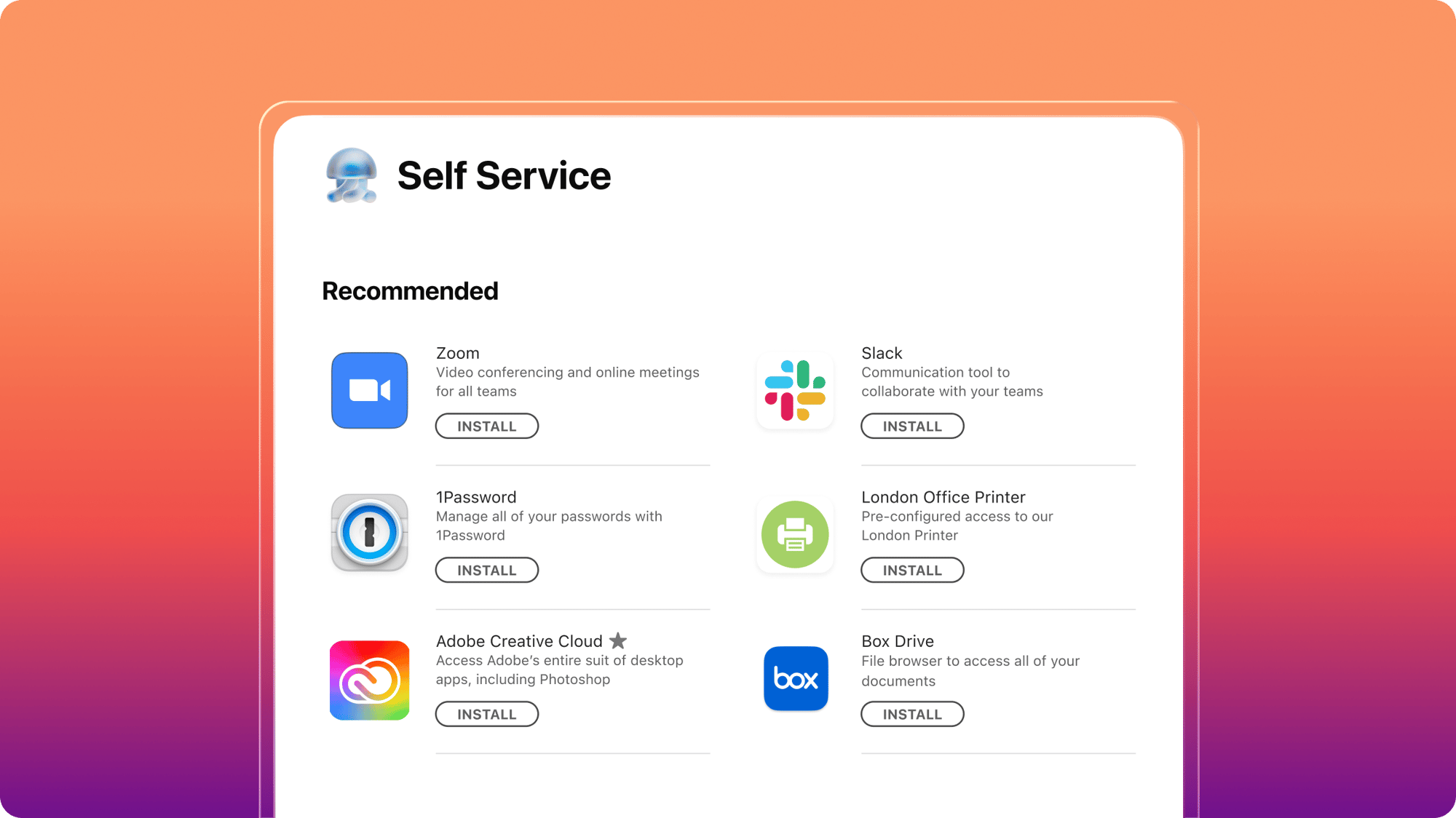
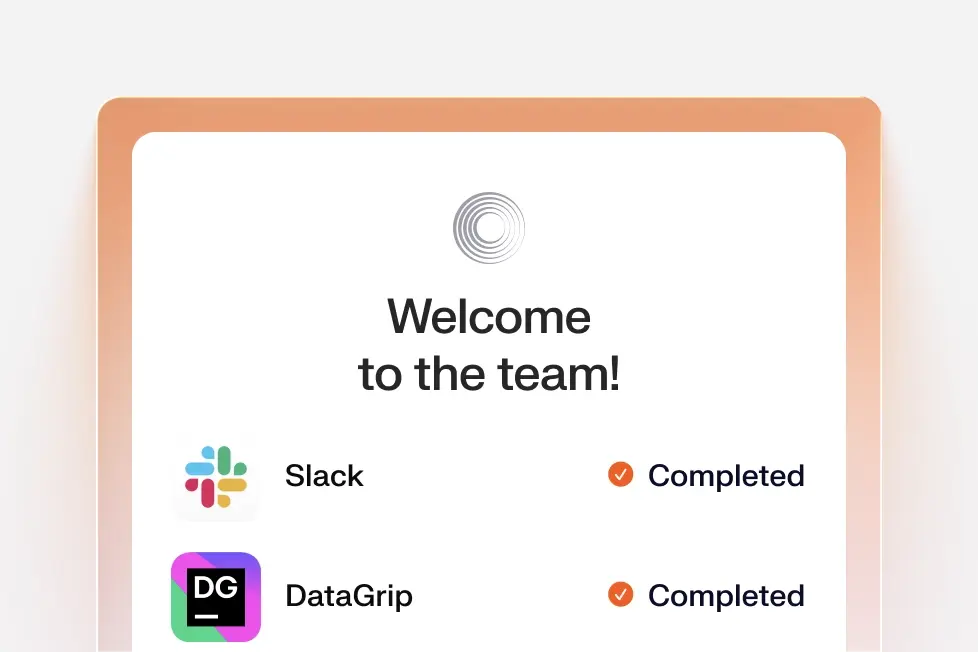
Employees get every app they need from day one. Self Service makes the full catalog available the moment a device enrolls.
Unified by design. Built for the AI era.

Iru AI is designed from the ground up to connect a grid of agents behind the scenes—across identity, endpoint, and compliance. Powered by the Iru Context Model, it understands your users, apps, and devices to act safely, intelligently, and in context across your organization.

Work-ready on day one

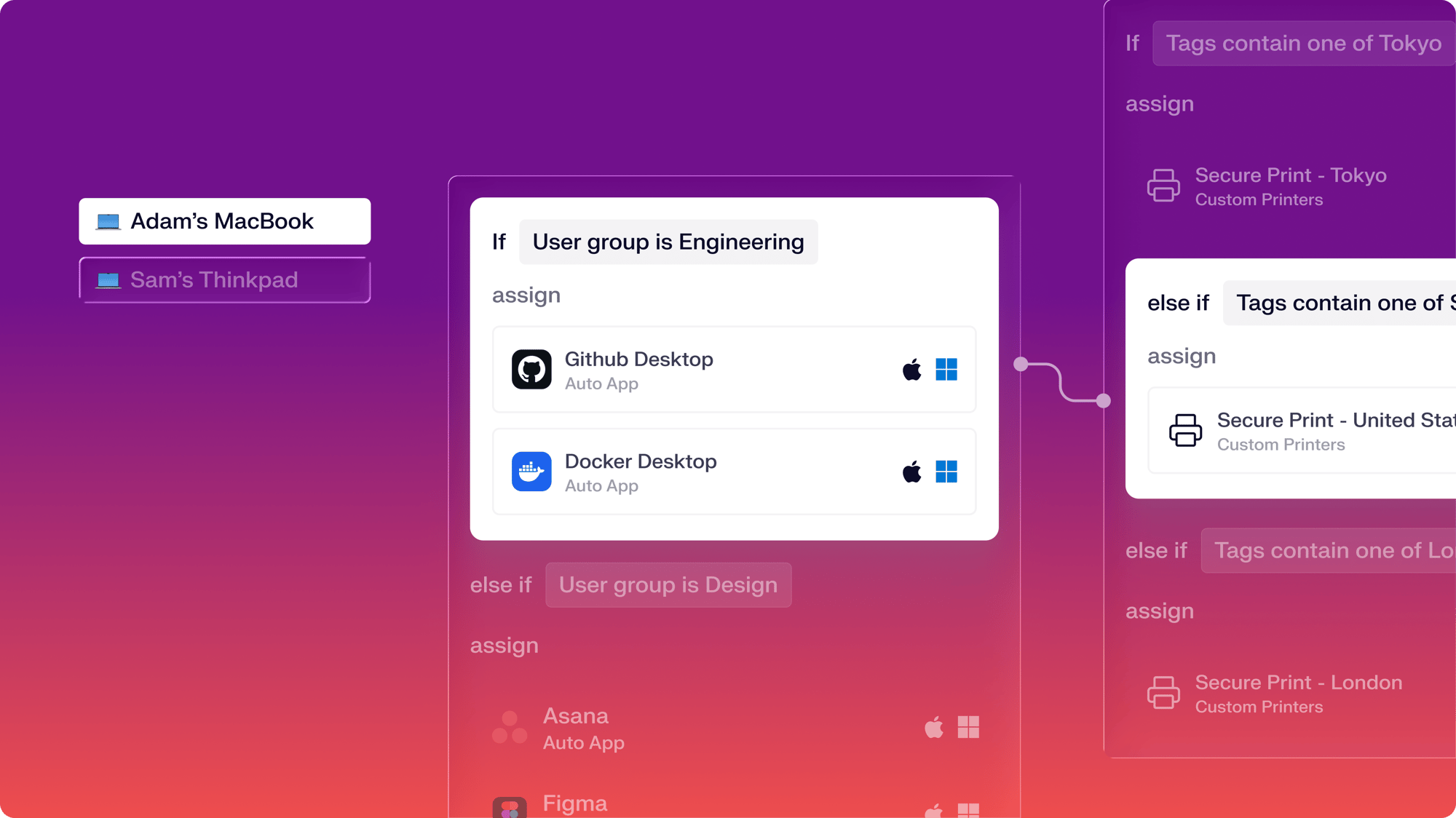
Ship, enroll, and configure devices automatically the moment they power on.

  • Deploy with zero touch across Mac and Windows
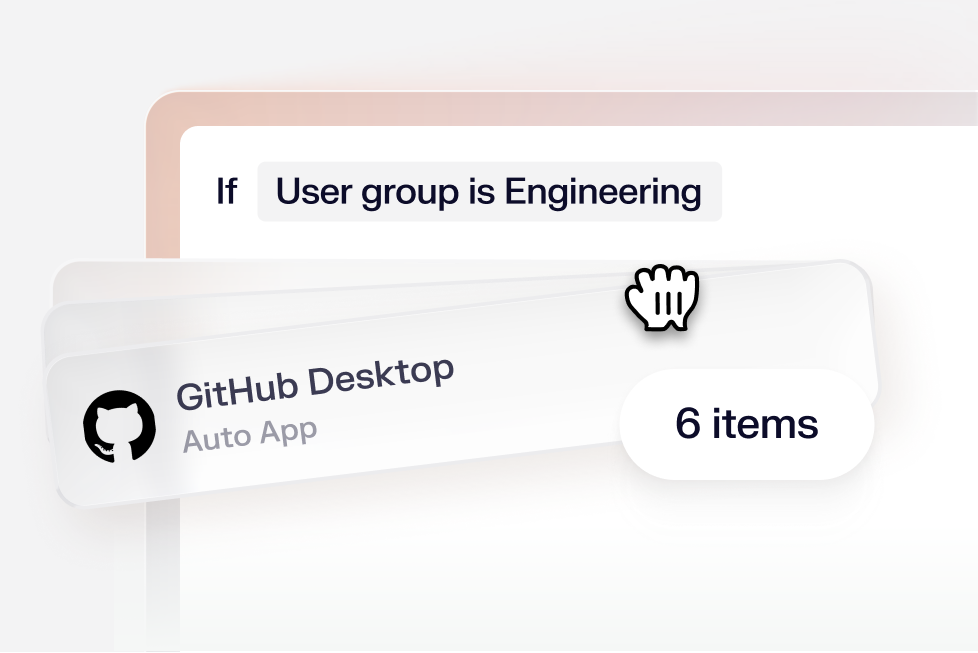
  • Scope configurations with conditional logic for every device
  • Install the right apps and settings the moment a device enrolls
Assignment Maps

Protected the moment enrollment starts

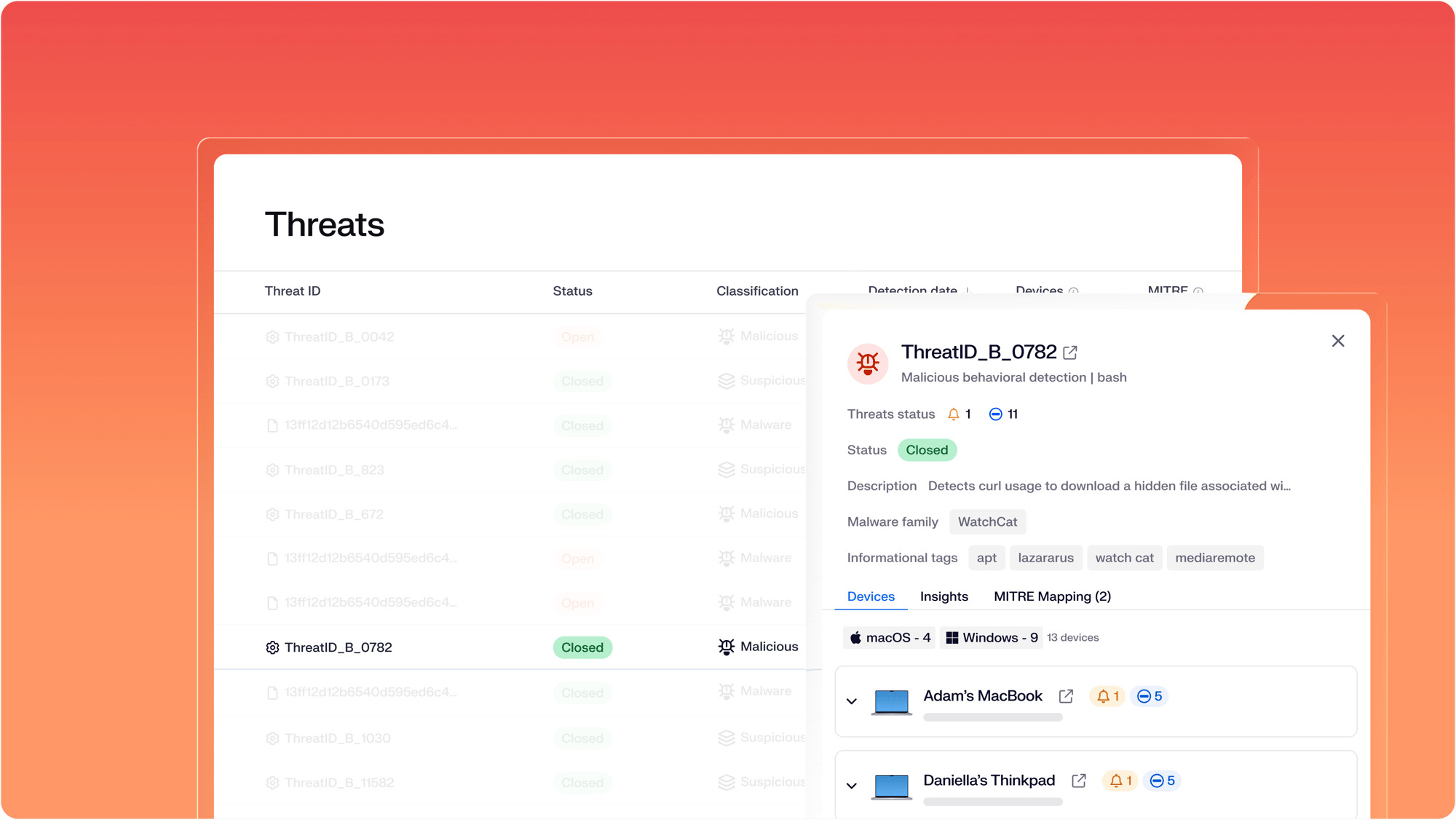
Security controls and threat protection lock in before the user reaches their desktop.

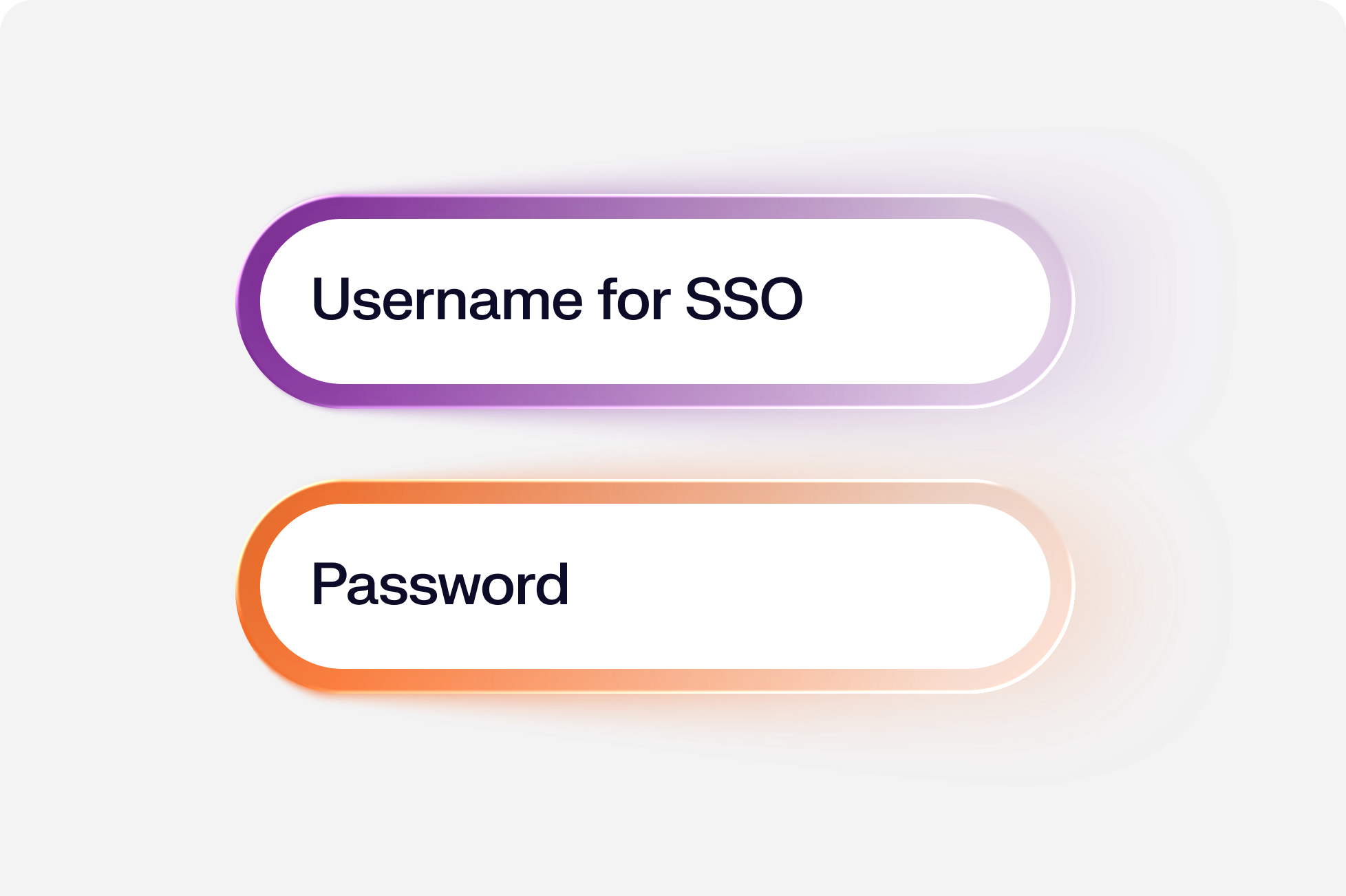
  • Sign users in with single sign-on at first boot, no temporary passwords or local accounts
  • Push security controls during the setup window so devices are compliant from first use
  • Deploy EDR and vulnerability management at enrollment through the Iru Agent
Threats

Onboarding that employees notice

From first power-on, employees move through a guided setup onto a ready-to-work desktop.

  • Walk employees through a branded first-boot setup
  • Hand employees a device with apps and settings ready
  • Offer a self-service catalog for anything extra
SelfServiceApp

More features

A fully automated migration experience

We’ve created an automated migration tool that seamlessly migrates large organizations off of legacy MDM providers, making it easier than ever before to transition to a modern platform.

All the essentials in a single stack

A unified platform for your users, apps, and devices, woven together by Iru AI, giving time and control back to IT & security teams.

Trust Center Compliance

Learn more about Trust Center

Accelerate deals with a public portal for your security and compliance posture.

Endpoint Management Endpoint

Learn more about Endpoint Management

Secure and control devices with unified endpoint management.

EDR Endpoint

Learn more about Endpoint Detection and Response

Detect, investigate, and automatically contain threats in real-time.

VM Endpoint

Learn more about Vulnerability Management

Unify vulnerability detection, prioritization, and autonomous remediation.

Workforce Identity Identity

Learn more about Workforce Identity

Eliminate passwords entirely and provide effortless single sign-on to apps.

AI AI

Learn more about Iru AI

Turn context into insights and actions with agentic AI across the entire Iru suite.

Let your team focus 
on what matters

Iru replaces fragmented tools with one AI-powered platform, so IT & security spend less time chasing tickets and more time improving the business.

Frequently asked
questions

Get answers to commonly asked questions

What does “zero touch” deployment actually mean?

An employee unboxes their device, powers it on, signs in, and starts working. IT never touches the hardware. Configuration, security policies, and apps install in the background while the employee completes a short guided setup.

How fast can a new employee be up and running?

Most employees are productive within 15 minutes of powering on. Apple devices configure through Automated Device Enrollment (ADE). Windows devices enroll through Windows Autopilot when connected to Microsoft Entra ID. In both cases, security policies, apps, and settings install in the background while the employee completes a short guided setup.

What does setup look like for the employee?

They power on, follow a short guided setup, and Iru handles the rest. No IT call, no configuration email. Their apps are waiting when they reach the desktop.

Which devices can Iru deploy with zero touch?

Mac, iPhone, iPad, and Apple TV deploy through Automated Device Enrollment (ADE). Windows 11 devices deploy through Windows Autopilot. Android devices enroll via QR code.

Do I need different tools to deploy Mac and Windows?

No. Iru deploys, configures, and secures both from one platform. Mac uses Automated Device Enrollment (ADE). Windows uses Windows Autopilot. Both flow into the same Blueprints, the same policy engine, and the same admin console.

What gets installed during a zero-touch deployment?

Iru installs the Iru Agent, your security baseline (disk encryption, screen lock, OS update enforcement), your assigned Blueprint, every required app, certificates, and Wi-Fi profiles. All of this lands before the employee reaches the desktop.

Can I deploy different configurations to different employees?

Yes. Assignment Maps route devices to the right Blueprint based on department, role, location, or any custom attribute. A designer on the marketing team gets one app stack; a finance analyst gets another. Same enrollment flow, different outcome.

Can devices ship directly from the reseller to the employee?

Yes. Apple devices purchased through an authorized reseller or Apple Business Manager auto-enroll into Iru on first power-on. Windows devices registered with your Autopilot service do the same. The employee unboxes; IT never sees the device.

What if an employee needs admin rights or specific apps after setup?

Self Service is installed during deployment. Employees install approved apps on demand, request elevated privileges, and run self-troubleshooting tools without filing a ticket.

How does Iru keep devices secure after deployment?

Iru enforces your security baseline continuously: disk encryption, OS updates, configuration drift, and patching for 215+ third-party apps via Auto Apps. Vulnerability Management and EDR run on the same agent.

What happens when an employee leaves or the device is returned?

For iPhone and iPad, Return to Service erases the device and re-enrolls it into Iru automatically, ready for the next employee with no IT touch. For Mac, an erase command followed by re-enrollment through Automated Device Enrollment (ADE) gets you to the same place: a clean, configured device, ready to redeploy.

Does Iru work for BYOD devices?

Yes. User Enrollment for iOS and iPadOS keeps personal data private while managing work apps and data. Mac BYOD devices enroll through the Enrollment Portal.

What if I'm migrating from another MDM?

Managed Migration Assistant moves Macs from your existing MDM into Iru without wiping the device or interrupting the user. Devices migrate in the background.

See Iru in action

Discover why thousands of teams choose Iru

By submitting this form I agree to Iru’s Privacy Policy and consent to be contacted by Iru about its products and services.

Stay up to date

Iru's bi-weekly collection of articles, videos, and research to keep IT & Security teams ahead of the curve.